Templates Module
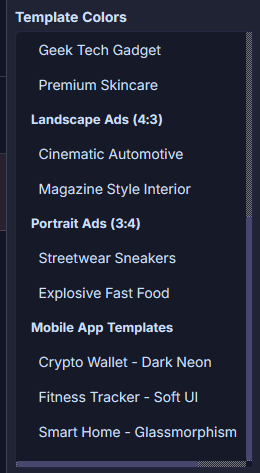
Template List
A list of all templates, divided into 6 design types with a total of 15 design templates. Templates in the list are categorized by type and named by style.
Preview Area
Preview area for the actual template result.
Template Zoom: Hold Ctrl on the keyboard and scroll the mouse wheel in the preview area to zoom the template. Template zoom refers to scaling the design elements within the template and automatically rearranging them. The entire preview area cannot be zoomed, ensuring you can always see the complete design effect.
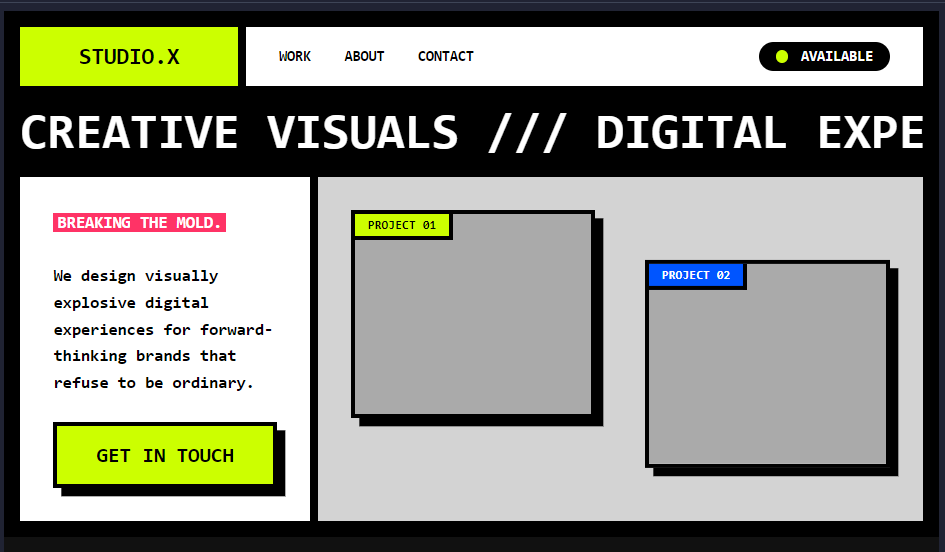
Template Zoom 120%
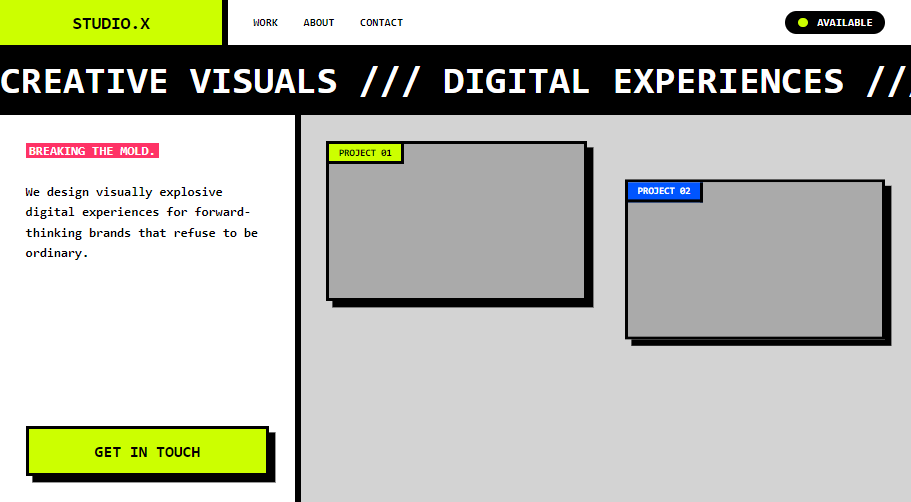
Template Zoom 60%
Element Colors
This area displays the color scheme of each element at each level in the currently selected template, including element names and current color values. Each template allows adjusting the number of element levels — fewer levels result in a simpler color scheme, while more levels create a more complex one. Use the Low, Medium, and High buttons below to switch the number of color levels.
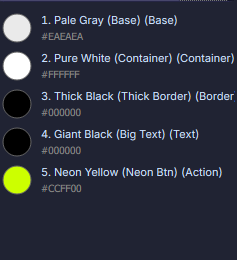
Color Levels = Low
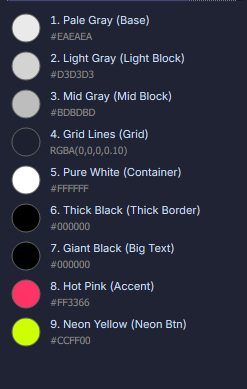
Color Levels = Medium
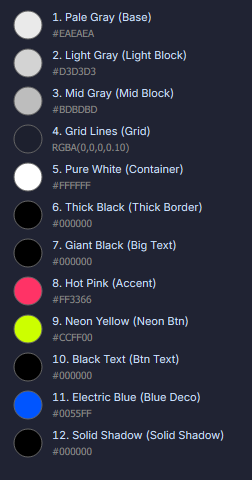
Color Levels = High